
What Arattai Brought to the Table in August
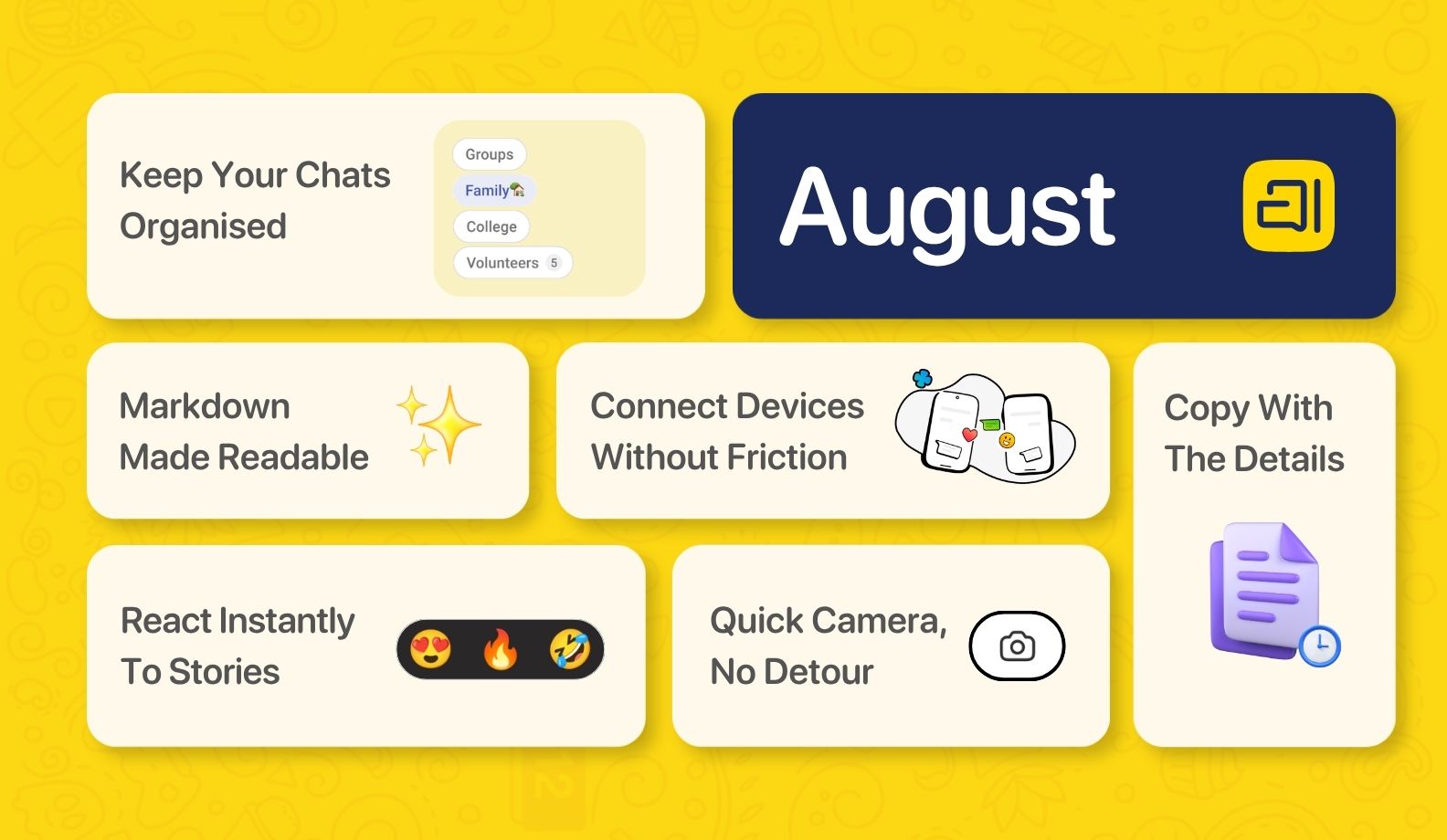
August was about enhancing your experience. Here's everything that's new on Arattai.
Keep Your Chats Organised
Group your conversations into chat folders
You can now create custom folders to organise your chats. Whether it's family, college groups, or a book club gang, everything stays how you categorised, ready to find with a single tap.
Markdown Files Made Readable
Read formatted content without parsing the syntax yourself
Arattai now supports Markdown preview, so bold text looks bold and headers look like headers. No more squinting at asterisks and hash symbols to figure out what something is supposed to say.
Copy With The Details
Know exactly where a message came from, even after you paste it
When you copy multiple messages from a conversation, the sender's name and timestamp come along with it. Useful when you need the context to make sense somewhere else.
Connect Devices Without Friction
Log into your companion devices more easily
Setting up Arattai across your devices is now smoother than before. The pairing process has been simplified so you spend less time on setup without interruptions. Available on Android and Web.
React Instantly To Stories
Reply to Stories without digging through your emoji keyboard
Quick reaction suggestions now appear directly on Stories, so you can respond in the moment without breaking your flow. Available on Android and Web.
Camera, Without The Detour
Snap and send without leaving the chat list
You can now open the camera and share a photo directly from your chat list. No navigating away, no extra steps. Available on Android.
That's August, wrapped up. Stay tuned for what's coming next.
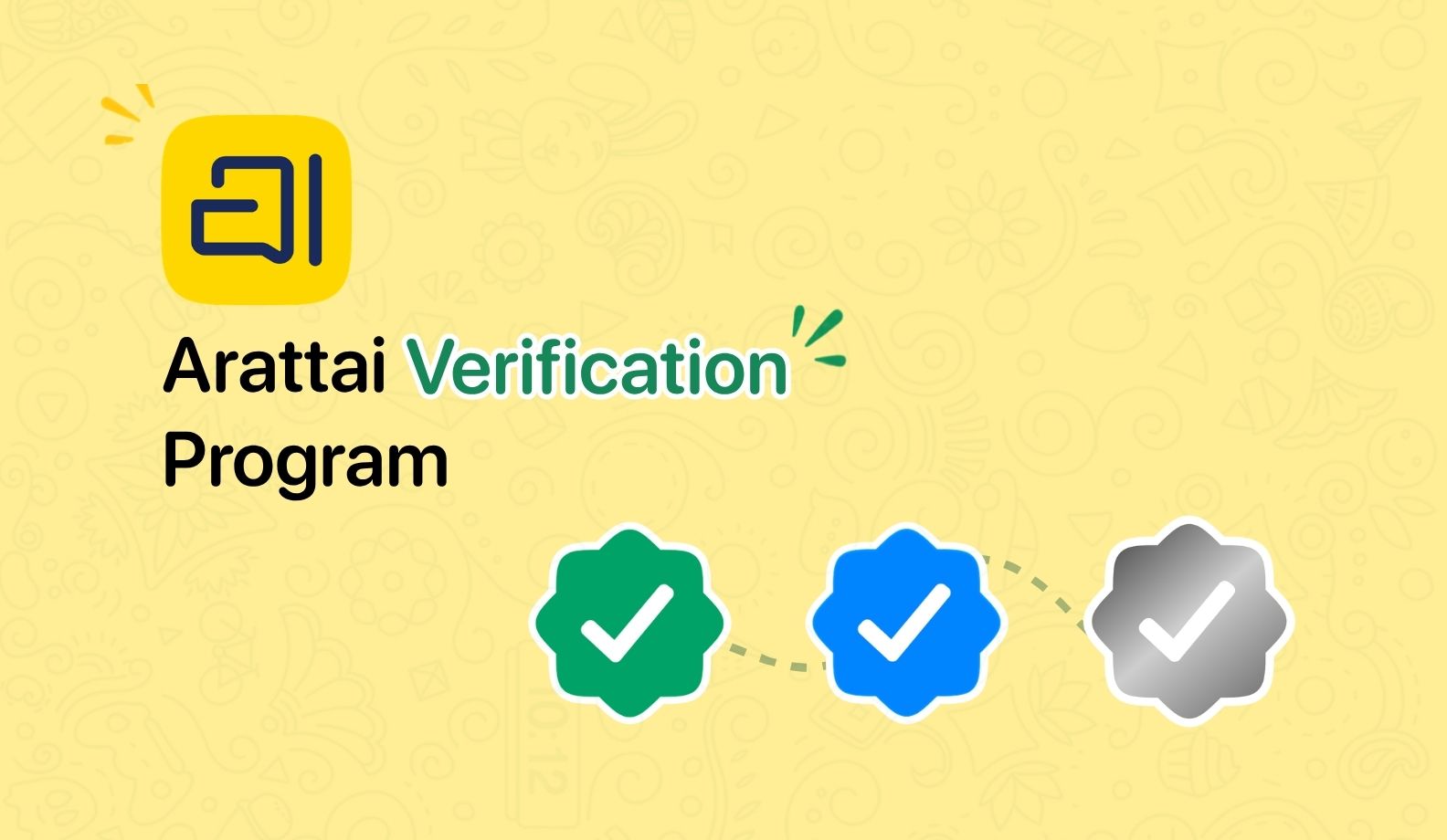 Introducing the Arattai Verification Program
  Do More with Live Location on Arattai
  Our World. Our Voice. Our Own.